Astro-locality · Relocation · Local space

Astrocartography and Solar Maps

Map angular lines, parans and local-space directions. Explore places, relocate charts and review geographic relationships in the integrated Solar Maps workspace.

Maps

Features at a glance

Astrocartography lines

  • MC and IC lines
  • Rising/setting and Ascendant/Descendant line types
  • Parans: rise/set and rise/culmination combinations
  • Local-space directions
  • Local-house lines
  • Horizon, ecliptic and zodiac-sign lines
  • Selected fixed-star lines
  • Displayed-point and colour settings

Places and map controls

  • Pan and zoom
  • Go to a saved map area
  • Map bookmarks
  • Distance measurement
  • Map ruler
  • Click a place to relocate the chart
  • Relocated wheel and local-horizon views
  • Country, state, river and city display settings
  • Map-provider selection

Techniques and overlays

  • Celestial and geodetic zodiacs
  • Geodetic west option and starting-longitude settings
  • House-system and ayanamsa selections
  • Solar eclipse paths
  • Track and event collections
  • Selected fixed stars
  • Day/night shading
  • Animated chart positions

Reports and output

  • Map and local paran reports
  • City-direction reports
  • Relocation interpretations
  • Azimuths and aspects
  • Click-to-read line and location interpretations
  • Map printing
  • Copy map images and text details

Overview

Maps

Draft content: product claims and final screenshots await publication review.

Choose the technique before reading the map

Angular lines mark places where a planetary position is associated with rising, setting, culmination or anti-culmination. Local-space lines describe directions from a location. Parans concern related angular events and add another form of geographic analysis.

These techniques describe different relationships. State the technique and settings used before interpreting a line or comparing two maps.
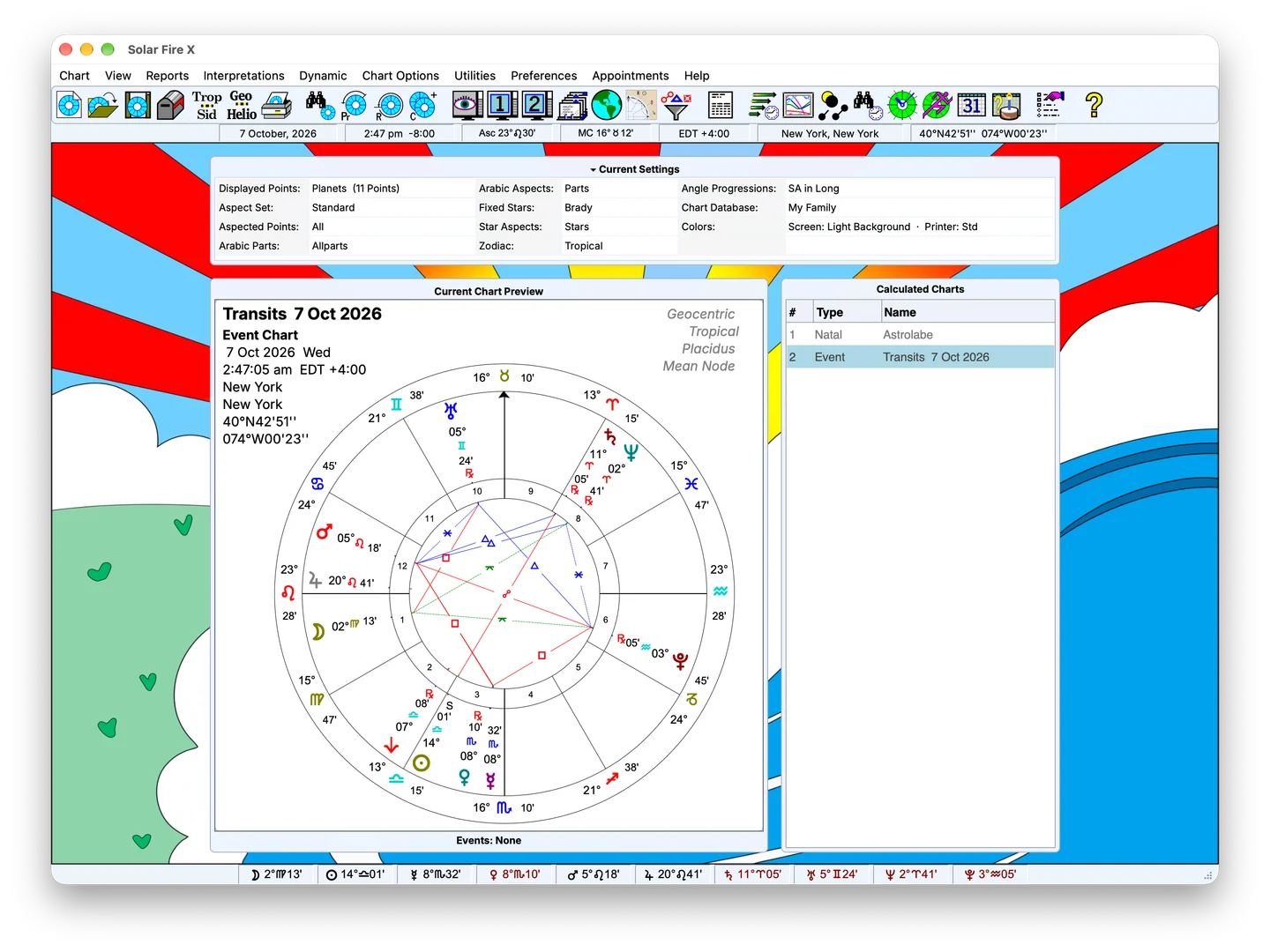
SCREENSHOT: ASTRO-LOCALITY WORLD MAP16 / 9 · PNG
Sample Solar Fire X main screen with chart preview and calculated-chart list; feature-specific screenshot pending

Sample screen — feature-specific screenshot pending

Replace with a full world map with angular lines. 1920×1080 PNG.

In detail

What's inside

Compare candidate places

Navigate to the area you want to examine and inspect the chart lines around it. Measurement and place-selection tools support a closer look at the locations being considered.

Move from the map to a relocated chart to examine the houses and angles for that place. The geographic view and the relocated chart provide different material for the same analysis.

FIG. 02 · DEMO: EXPLORE THE MAP16 / 9 · PNG
Embed an interactive pan/zoom map demo here. 16:9 iframe or canvas module.

Keep the example reproducible

A useful map example records the chart data, chosen points, line type and candidate locations. Show the map view beside the corresponding relocated charts so a reader can follow the comparison.

The worked example should explain why a particular line or place is being considered, rather than treating every line as a recommendation.

FIG. 03 · SCREENSHOT: RELOCATION, MADE VISUAL4 / 3 · PNG
Sample Solar Fire X main screen with chart preview and calculated-chart list; feature-specific screenshot pending

Sample screen — feature-specific screenshot pending

Feature-specific screenshot pending; sample main screen shown for layout review.

Check the mapping options you need

Specialist overlays and views require their own assessment. Current support for point sets, map providers, offline use, geodetic conventions and exports needs release-specific confirmation.

FIG. 04 · SCREENSHOT: LOCAL SPACE AND GEODETIC TECHNIQUES4 / 3 · PNG
Sample Solar Fire X main screen with chart preview and calculated-chart list; feature-specific screenshot pending

Sample screen — feature-specific screenshot pending

Feature-specific screenshot pending; sample main screen shown for layout review.

Keep exploring

Related capabilities

Next step

See purchase options for Solar Fire X.

Solar Fire X is one complete instrument — every capability on this page ships in the same program.

Ordering opens Astrolabe's Cart32 catalogue — external site, alabe.com