Midpoints · Dials · Speculum

Symmetry, dials and midpoint analysis

Work with dials, midpoint contacts, planetary pictures and coordinate views. Solar Fire X adds a dedicated Symmetry workspace alongside its chart and report tools.

Symmetry

Features at a glance

Dial workspace

  • Dedicated Symmetry view
  • Dial-style selection
  • Configurable modulus and orbs
  • Selected chart points
  • Pointer and point-position controls
  • Chart comparison through dial views

Coordinates

  • Geocentric longitude
  • Right ascension
  • Heliocentric longitude
  • Local space
  • Regiomontanus, Campanus and Placidus coordinates
  • Altitude and latitude
  • Declination and mundane declination
  • Speculum view

Midpoints and planetary pictures

  • Point-to-midpoint contacts
  • Midpoint listings
  • Midpoint axes, trees and modes
  • Munkasey Midpoint Weighting Analysis
  • Sorted differences
  • Sensitive points and Arabic Part formulas
  • Equal-opening, sum and difference inspectors

Related timing and presentation

  • Transiting, progressed and directed chart layers
  • Animated dial views
  • Midpoint interpretation text
  • Configurable point and aspect selections
  • Dial and report objects in page layouts

Overview

Symmetry

Draft content: product claims and final screenshots await publication review.

Define the setup

A dial comparison depends on its modulus, selected points and orbs. State these choices before examining a contact. A relationship viewed through one dial setup should not be presented as though the same settings were used in every example.
SCREENSHOT: 90° DIAL WITH POINTER1 / 1 · PNG
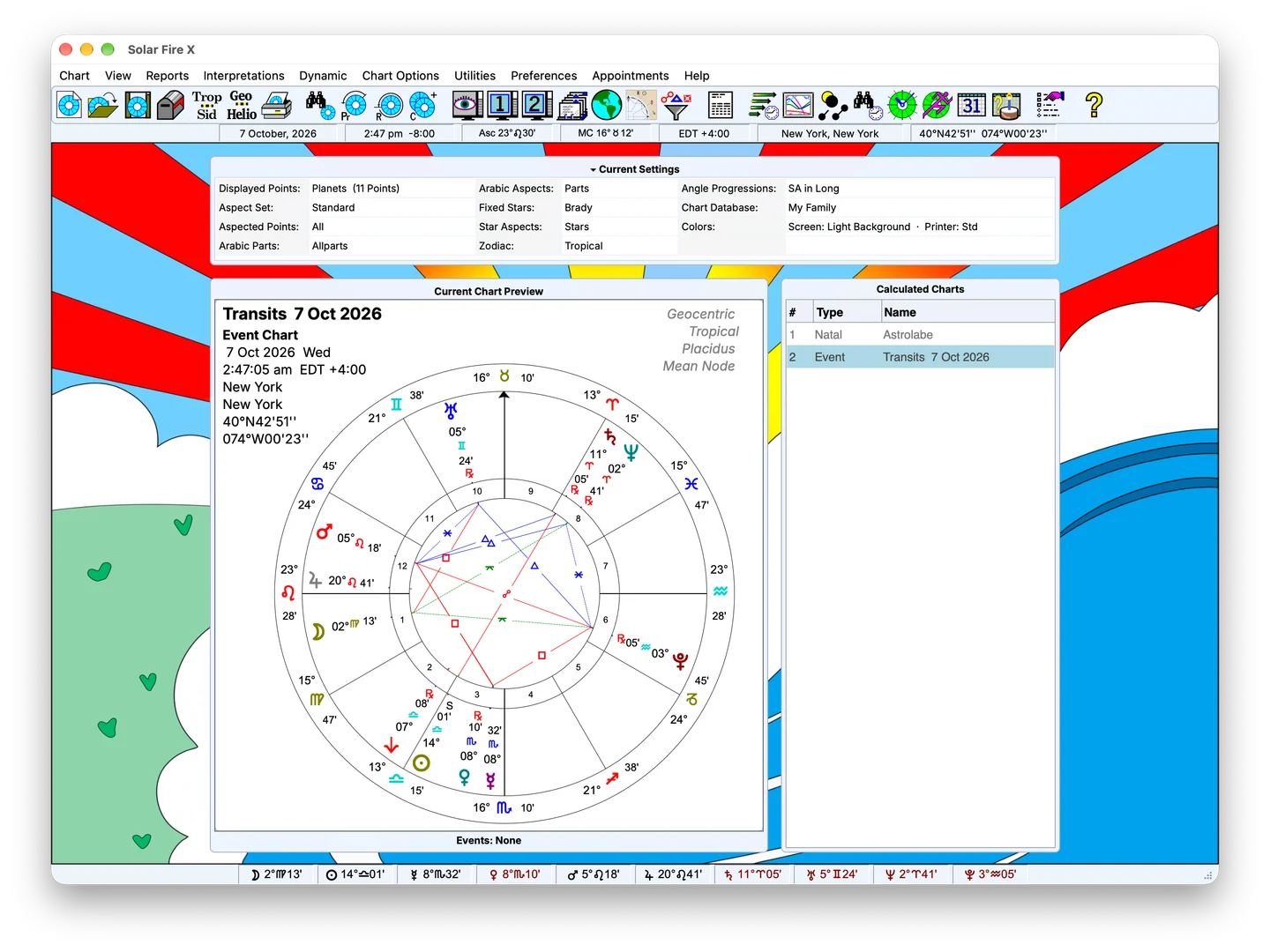
Sample Solar Fire X main screen with chart preview and calculated-chart list; feature-specific screenshot pending

Sample screen — feature-specific screenshot pending

Replace with a dial view showing the pointer options box. 1400×1400 PNG.

In detail

What's inside

Inspect midpoint relationships

Use the dial workflow to examine point-to-midpoint contacts and planetary pictures relevant to your analysis. Related midpoint listings, axes and trees provide other ways to inspect the chart material.

The tool supplies a way to examine the relationship. Its interpretive meaning belongs to the methodology being used.

FIG. 02 · CHART OUTPUT: SPECULUM PAGE16 / 11 · PNG
Replace with a full speculum table page. 1600×1100 PNG.

Add positional context

Speculum listings provide positional information such as right ascension and declination. Coordinate selection matters when an example moves beyond ordinary zodiacal longitude.

Zodiacal and in-mundo approaches describe positions differently. Keeping the coordinate choice visible helps readers understand the calculation underlying the comparison.

FIG. 03 · SCREENSHOT: MIDPOINT STRUCTURES4 / 3 · PNG
Sample Solar Fire X main screen with chart preview and calculated-chart list; feature-specific screenshot pending

Sample screen — feature-specific screenshot pending

Feature-specific screenshot pending; sample main screen shown for layout review.

Start with a clearly specified example

Choose a chart, state the dial modulus, identify the points and orb, and examine one relationship before adding further layers. Compare the contact with the relevant positional listing.

Advanced pointer behaviour, dynamic points, formulas and specialised output need assessment against the current release.

FIG. 04 · SCREENSHOT: THE FULL SPECULUM4 / 3 · PNG
Sample Solar Fire X main screen with chart preview and calculated-chart list; feature-specific screenshot pending

Sample screen — feature-specific screenshot pending

Feature-specific screenshot pending; sample main screen shown for layout review.

Keep exploring

Related capabilities

Next step

See purchase options for Solar Fire X.

Solar Fire X is one complete instrument — every capability on this page ships in the same program.

Ordering opens Astrolabe's Cart32 catalogue — external site, alabe.com