Search · Elections · Data

Chart searches and electional searches

Find charts that meet your criteria, or search a time interval for an election. Combine conditions for signs, houses, aspects, dignity, shapes, coordinates and midpoints.

Research

Features at a glance

Search scope

  • Current chart file
  • All chart files in the user-data folder
  • Selected chart files
  • Electional searches across a date/time interval
  • Radix chart and location settings

Search conditions

  • Points in signs and houses
  • Aspects and applying/separating filters
  • Lunar phases
  • Point positions
  • Essential dignity and rulership level
  • Point-in-planet conditions
  • Horary considerations
  • Aspect patterns
  • Coordinate comparisons
  • Chart-data fields
  • Chart shapes and their key points
  • Midpoint contacts and modulus/orb settings

Combine and reuse criteria

  • AND and OR combinations
  • NOT conditions
  • Bracketed condition groups
  • Advanced point modifiers
  • Saved condition files
  • Add or replace conditions
  • Selected aspect sets and pattern points

Review results

  • Preview matching charts
  • Open results or add them to the calculated-chart list
  • Copy selected or all results
  • Export selected or all chart results
  • Brief, full and comment-inclusive printed listings
  • Refine an electional search
  • Open or animate an electional result
  • Dial preview for electional results

Overview

Research

Research astrologers need more than charts — they need questions. Solar Fire X searches chart files and future time alike with composable astrological criteria, Boolean logic and savable condition sets.

In practice

Testing a hypothesis about Saturn–Pluto contacts, a researcher searches the included data collections for charts with the pair in hard aspect to the angles, saves the condition set, then re-runs the same logic as an electional search to find the next public dates that repeat the pattern.

SCREENSHOT: ELECTIONAL SEARCH CRITERIA8 / 5 · PNG
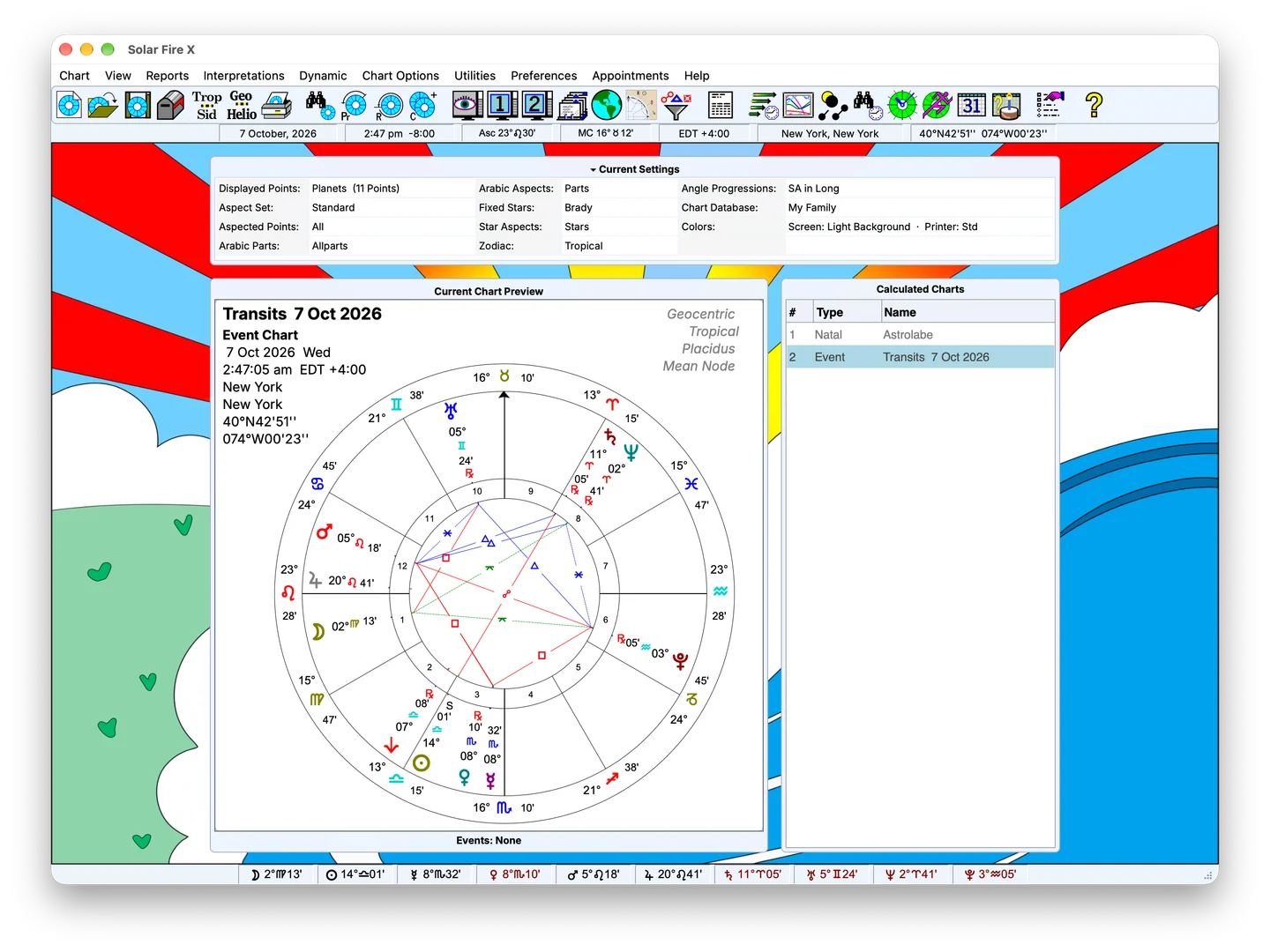
Sample Solar Fire X main screen with chart preview and calculated-chart list; feature-specific screenshot pending

Sample screen — feature-specific screenshot pending

Replace with the search dialog showing a composed Boolean condition set. 1600×1000 PNG.

Capabilities

What's inside

01

Chart search

Query your own files — and the thousands of rated charts that ship with the program.

  • Search across all chart files at once
  • Criteria for sign, house, aspect, phase, position, dignity and chart shape
  • Aspect-pattern matching — find the grand trines, the T-squares, the yods
  • Over 2,000 Rodden-rated example charts included for study
FIG. 02 · CHART OUTPUT: SEARCH RESULTS TABLE16 / 9 · PNG
Replace with a results listing annotated for the site. 1600×900 PNG.
02

Electional search

Let the software find the moment that meets your rules.

  • Search any span of future time for windows matching your conditions
  • Location, timezone, house system and zodiac applied to the search
  • Automatic daylight-saving handling in results
  • Step from a result straight into the cast chart
FIG. 03 · SCREENSHOT: ELECTIONAL SEARCH4 / 3 · PNG
Sample Solar Fire X main screen with chart preview and calculated-chart list; feature-specific screenshot pending

Sample screen — feature-specific screenshot pending

Feature-specific screenshot pending; sample main screen shown for layout review.
03

Boolean composition

Simple conditions combine into serious queries.

  • Combine conditions with AND / OR logic
  • Save and restore whole condition sets as working hypotheses
  • Reuse searches across chart files and electional runs
  • Documented criteria language — sign, house, aspect, phase, dignity and more
FIG. 04 · SCREENSHOT: BOOLEAN COMPOSITION4 / 3 · PNG
Sample Solar Fire X main screen with chart preview and calculated-chart list; feature-specific screenshot pending

Sample screen — feature-specific screenshot pending

Feature-specific screenshot pending; sample main screen shown for layout review.
04

Data exploration

From a hunch to a table you can argue with.

  • Export chart data and astronomical positions to text or clipboard
  • Graphic ephemeris overlays for external time-series data
  • Fixed-star, Arabic-part and asteroid editors for custom datasets
  • Printable tabulations for off-line analysis

Keep exploring

Related capabilities

Next step

See purchase options for Solar Fire X.

Solar Fire X is one complete instrument — every capability on this page ships in the same program.

Ordering opens Astrolabe's Cart32 catalogue — external site, alabe.com